

You'll find in this article the steps to activate & install your software.
 Notes
Notes
- If you already have the Arturia Software Center installed, go to step 3.
- If you have purchased your software license on the Arturia website, it has been automatically registered into your account.
- If you want to install the software bundled with your hardware product, or if you bought a software license via a third-party reseller make sure you've registered your product first:
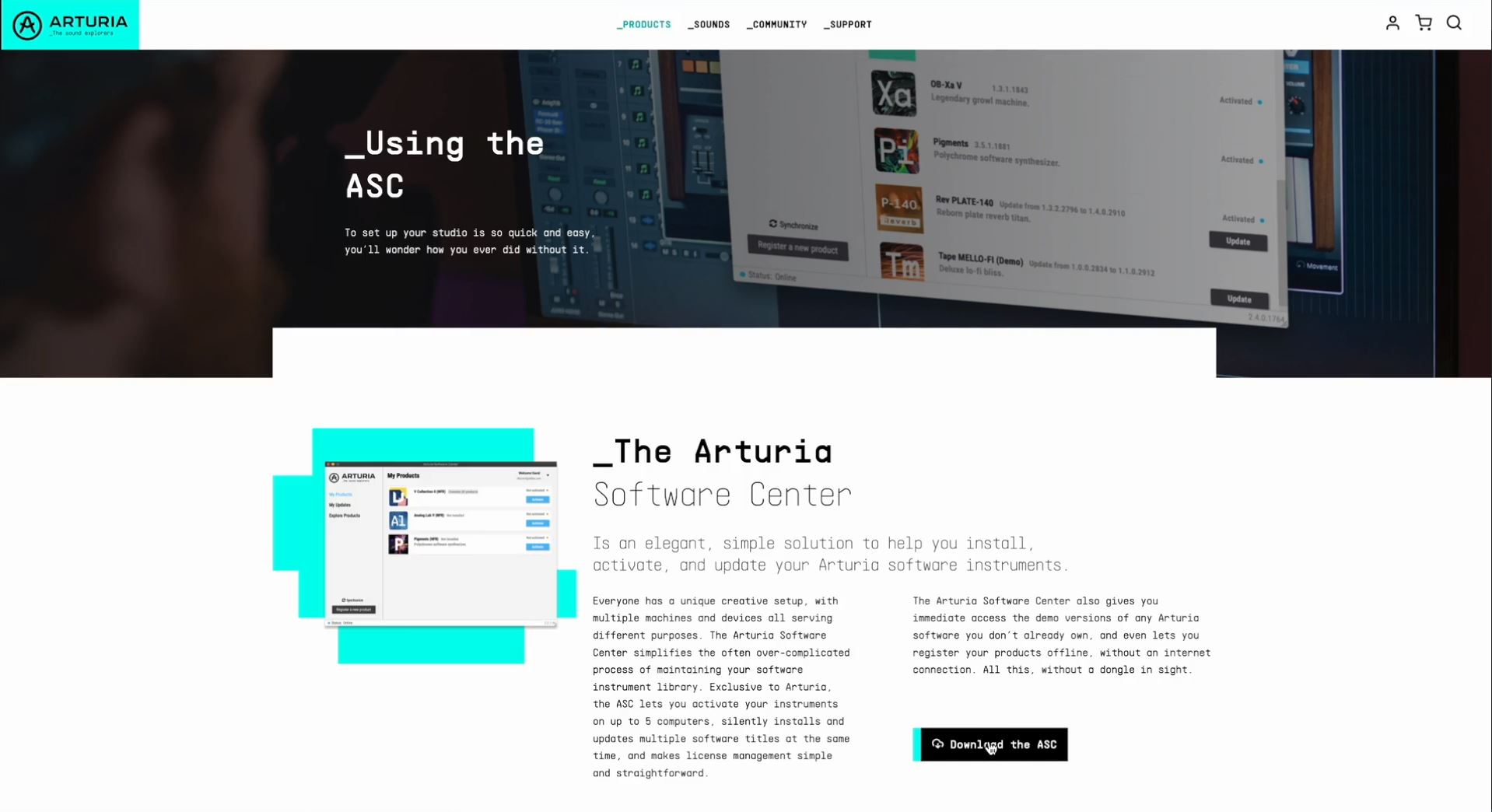
The Arturia Software Center is the tool to manage your Arturia software library:
- Install & update your software licenses
- Activate & synchronize your licenses on up to 5 devices
- Discover & test products
- Activate your products offline
You can download the Arturia Software Center here:
Launch the Arturia Software Center and log in with your Arturia account email & password.
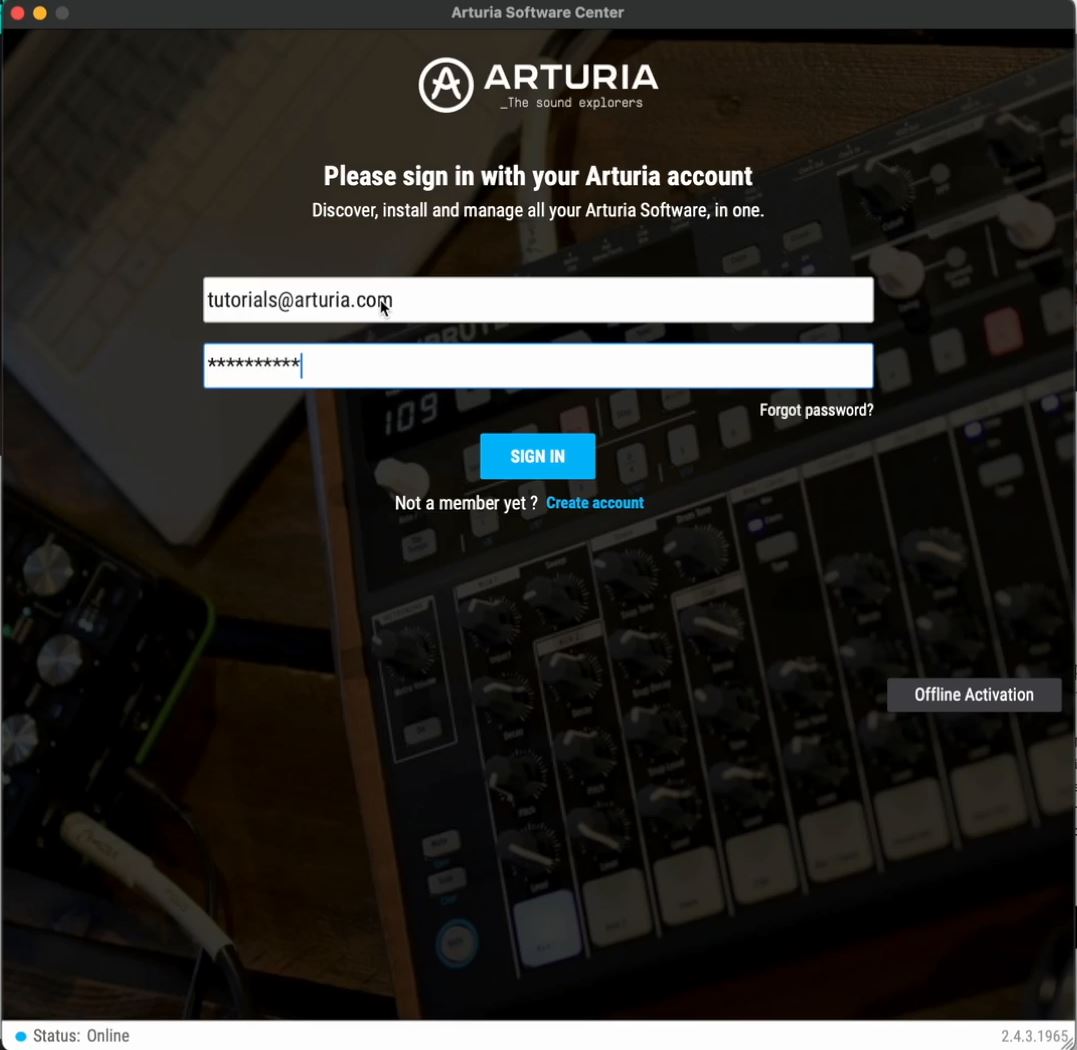
If you don’t have an Arturia account, click on "create account" and follow the process to create one.
Look for your product in the list, and click on the “Activate” button to activate your license on your current device.
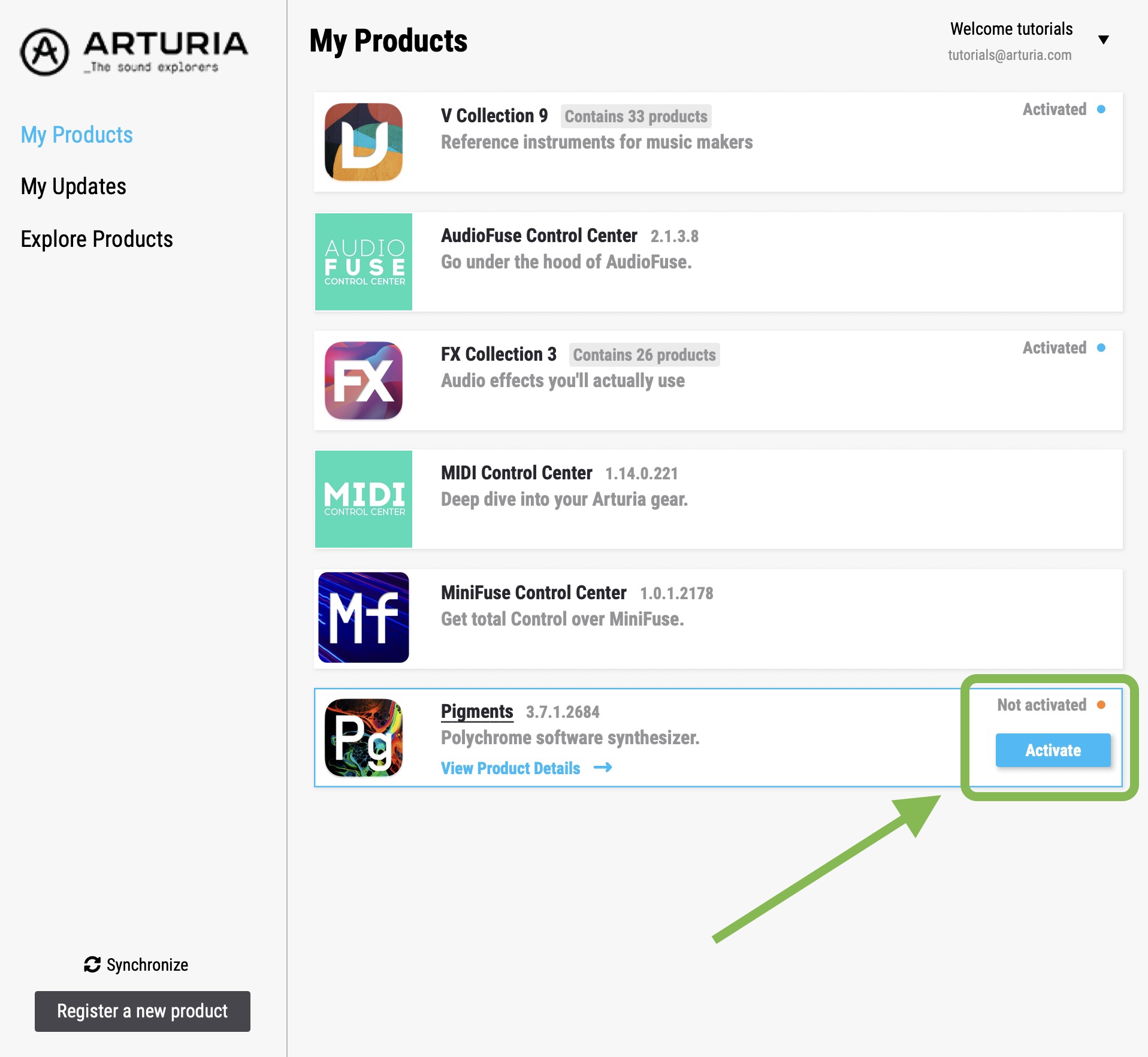
You can activate your license on up to 5 devices simultaneously.
If you reached the limit of 5 devices, please contact us.
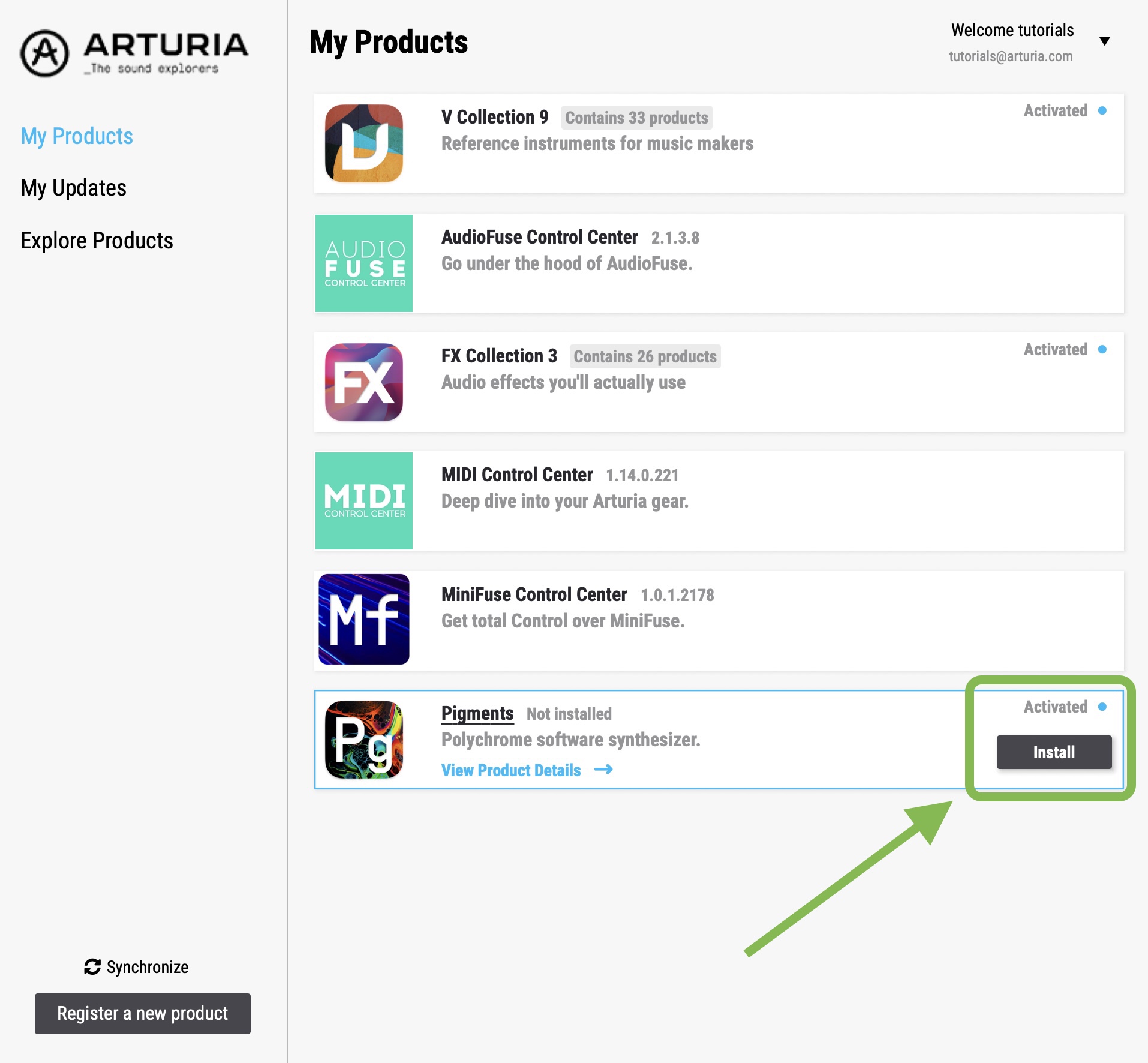
Once activated, you can install your software instruments by clicking on “install”, it will launch the installation process.
Note
If you want to install a bundled software title, click on “View product details” to show your instruments, and then “Install” to install your products individually, or “Install all” to install them simultaneously.
Next, you might want to use your software in your favorite DAW.
If so, read the following articles:
Have fun on your musical journey !