

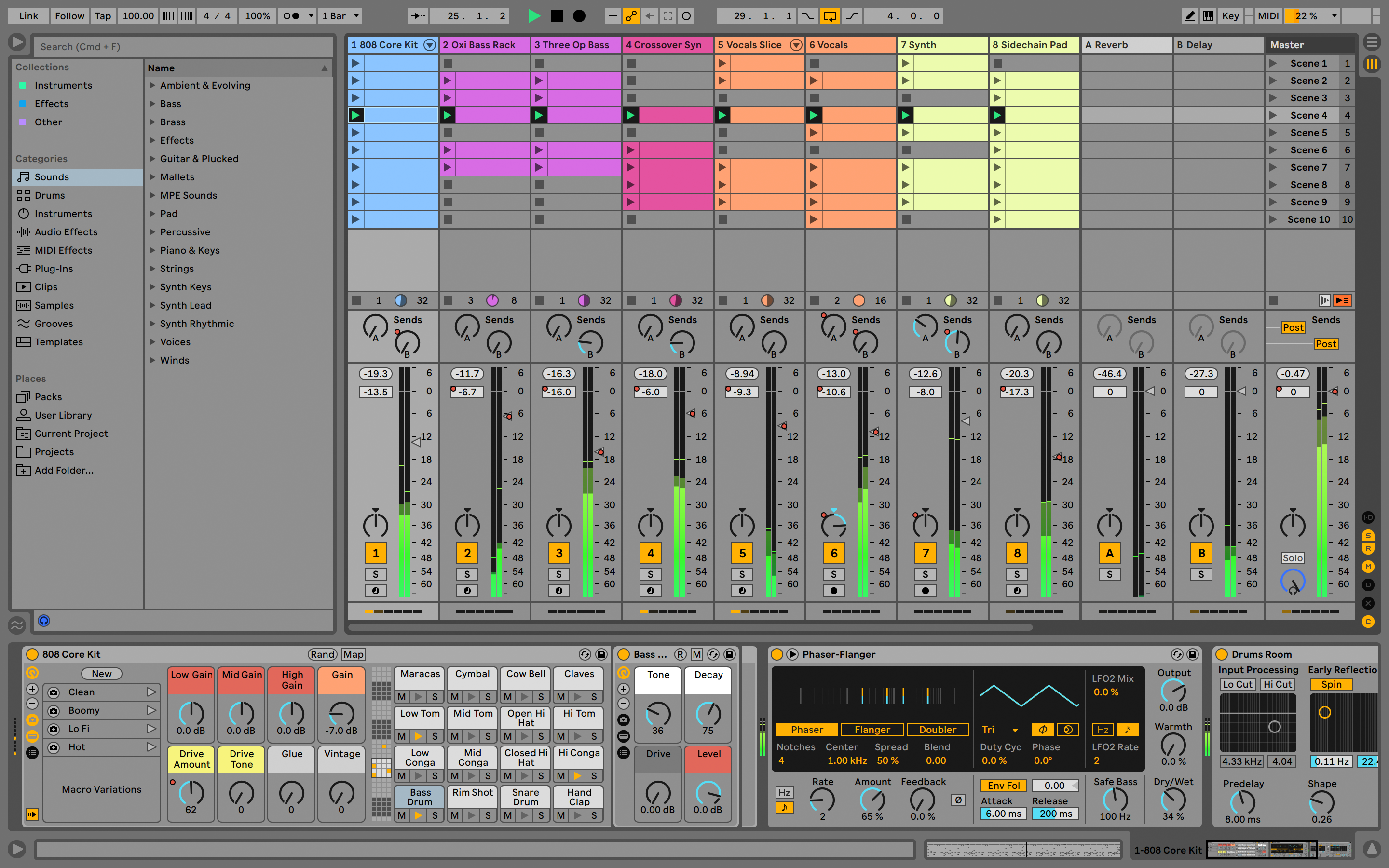
To get started with Ableton Live Lite, you can either check the video below, or follow the steps found at the end of this article.
To start with the Ableton installation process, please go to "My Product" section on Arturia website:
-Once logged in, find your Arturia product bundled with Ableton, and click on the "Show more details" button:
-A code should be displayed in the "Free licences with your product" section, just click on the button next to it to be redirected to the appropriate page:
From there, download the installer and proceed with the install.
Alternatively, you can register and download Ableton Live Lite directly through the Ableton website.
If you do not yet have an Ableton account, you can create one here.
Once this is done, please log in to your account.
Finally, enter your registration code here.